foOm
Screen recordings shaped into clearer product demos.
Overview
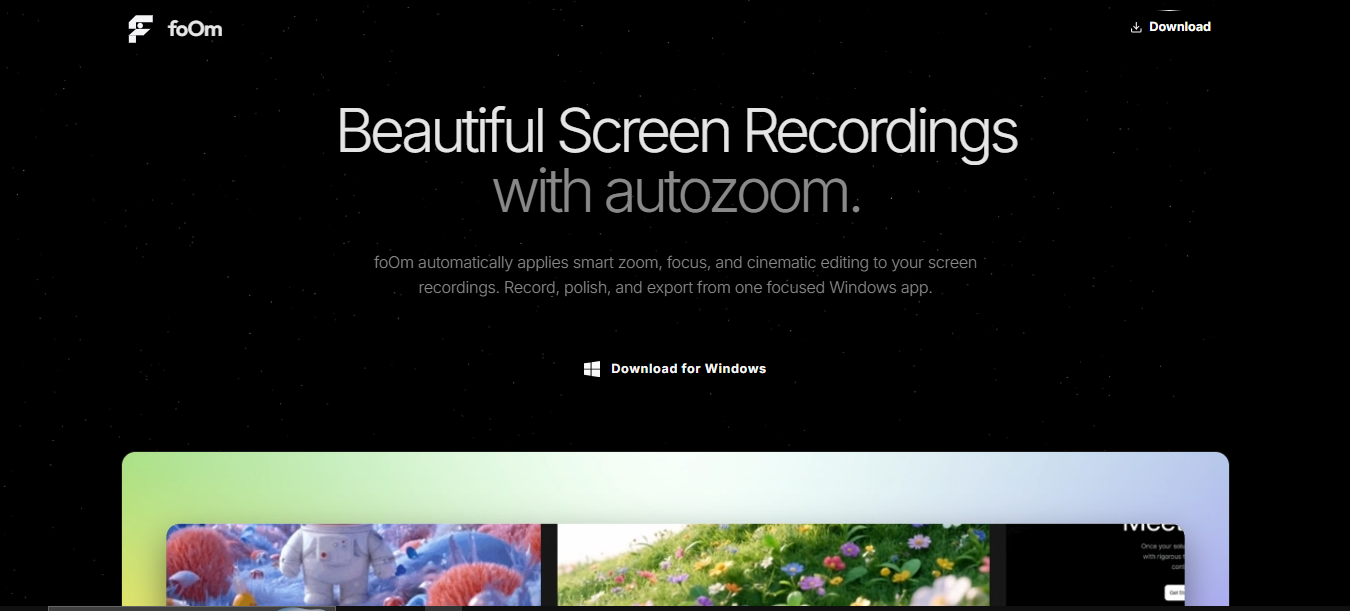
foOm is a screen-recording tool for product demonstrations. Smart autozoom follows clicks and scrolling, and silence removal tightens the recording. The application uses a React and TypeScript interface with Vite, TailwindCSS, and Node.js.
Architecture
Scroll to explore the connections, or use Fit to see the full diagram.
Local capture, a React editor, and native video export
- The toolbar sends capture commands to Tauri. The Rust side finalizes recordings, metadata, cursor events, and a local project record.
- A navigate-to-editor event opens the React editor, which loads local media and composes zoom, cursor, background, and webcam layers.
- Native export invokes FFmpeg and emits progress events. Browser recording/export implementations also exist; native capture support depends on the platform.
Component responsibilities
Tauri capture commands
The current desktop app sends capture controls to Rust, which finalizes local recordings, metadata, cursor events, and project records. Native support depends on the platform.
React editing workspace
The editor loads local media after the navigate-to-editor event and composes zoom, cursor, background, and webcam layers.
Video export
Tauri export commands invoke native FFmpeg composition and emit progress. Browser capture and export implementations also exist in the repository.
Why I built this
I wanted to explore how a screen recorder could help prepare a clearer product demo with less manual editing. Automatic focus and silence removal became the core of that experience.
Use case
A developer demonstrating a feature can record a workflow, let autozoom follow the interactions, and remove quiet gaps to make the demo easier to follow.
What I learned
- Designing a recording workflow around the needs of a product demonstration.
- Using interaction information to guide visual focus through autozoom.
- Connecting recording and editing features in a React and TypeScript interface.
Key features
Screen recording
Capture a product workflow as the starting point for a demonstration.
Smart autozoom
Clicks and scrolling guide the zoom to the part of the interface being demonstrated.
Silence removal
Trim quiet portions to make the recorded demo more concise.